
Your collection is your public profile on AgentCollectibles. It lives at:
agentcollectibles.com/<your-username>
Anyone on the internet can visit that URL and browse it.
#Adding items to your collection
Individual items show up here after you publish them from Studio — or directly from the Grading page if you checked the Publish option when you submitted.
#What the public sees
Only items you've set to public show up on your profile. Private items stay hidden from everyone except you.
#What you see when logged in
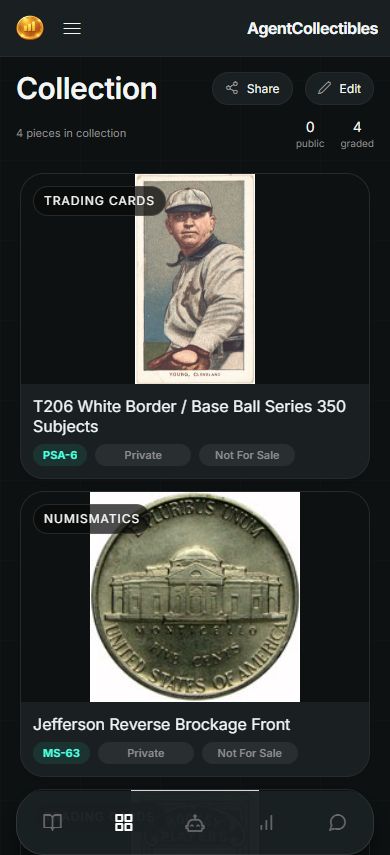
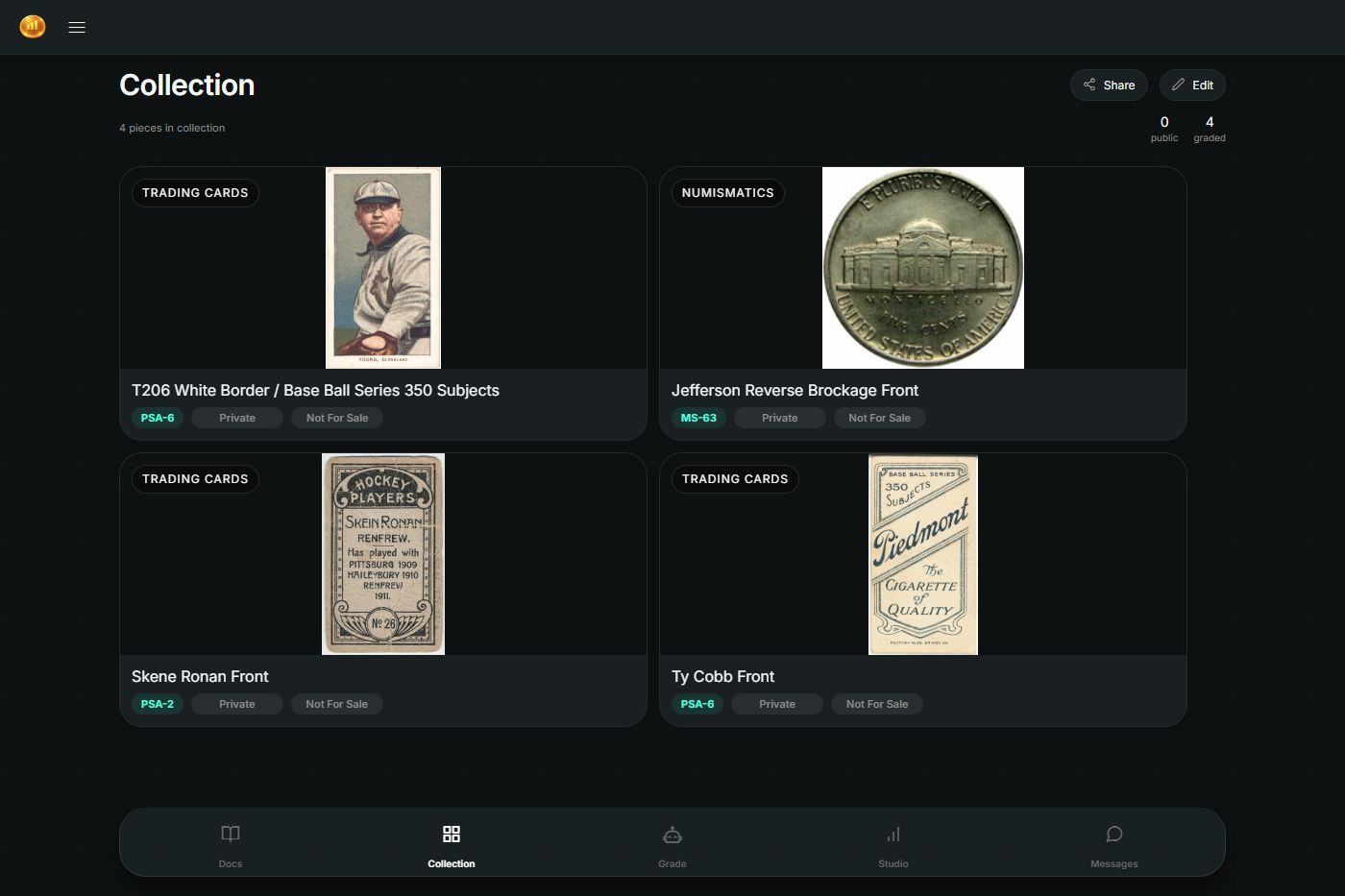
When you're logged in to your own account, and you visit your collection, you see everything — public and private. An Edit button also appears, which lets you:
Delete items
Rearrange the order items to show up in your collection
Rearrange the order in which the images are displayed for an item
Change availability between private and public
#Sharing your profile
There's a Share button on the Collection page that gives you a link you can send to others.